SwipeIt

R319.99

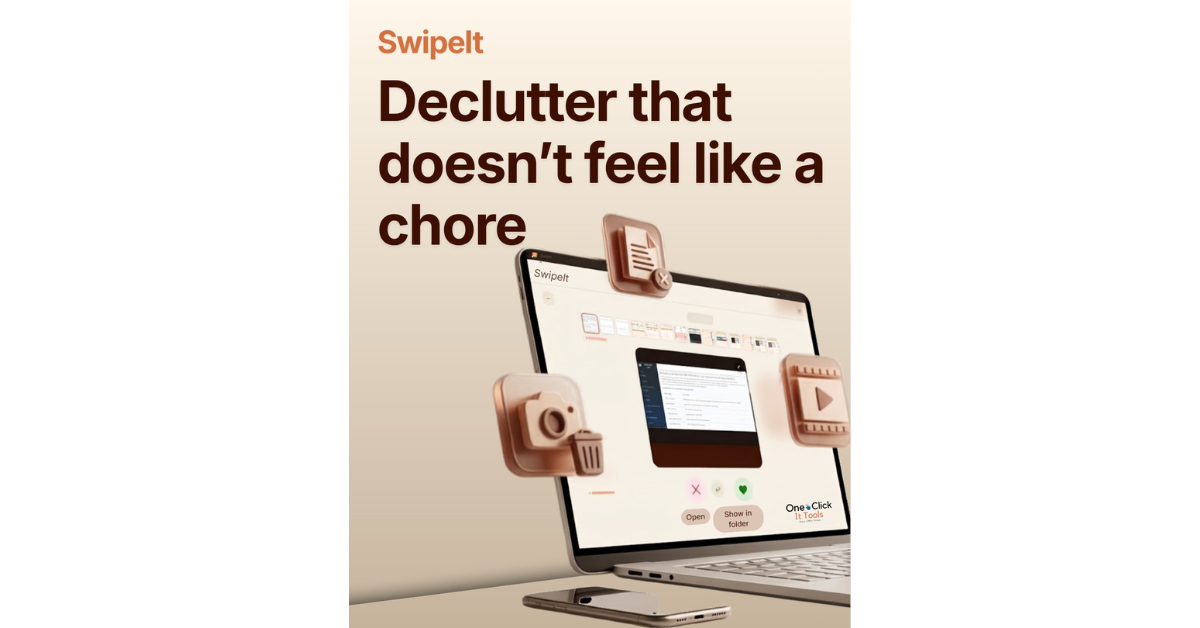
SwipeIt turns years of photos, screenshots, and forgotten downloads into a fast swipe-right-to-keep, swipe-left-to-toss habit. Swipe right to keep. Swipe left to let go.

Description

SwipeIt

SwipeIt

Swipe right to keep. Swipe left to let go.

🔍

Scan

Point it at your Downloads, Pictures, or any folder.

👉

Swipe

Right to keep, left to toss. One file at a time.

Confirm

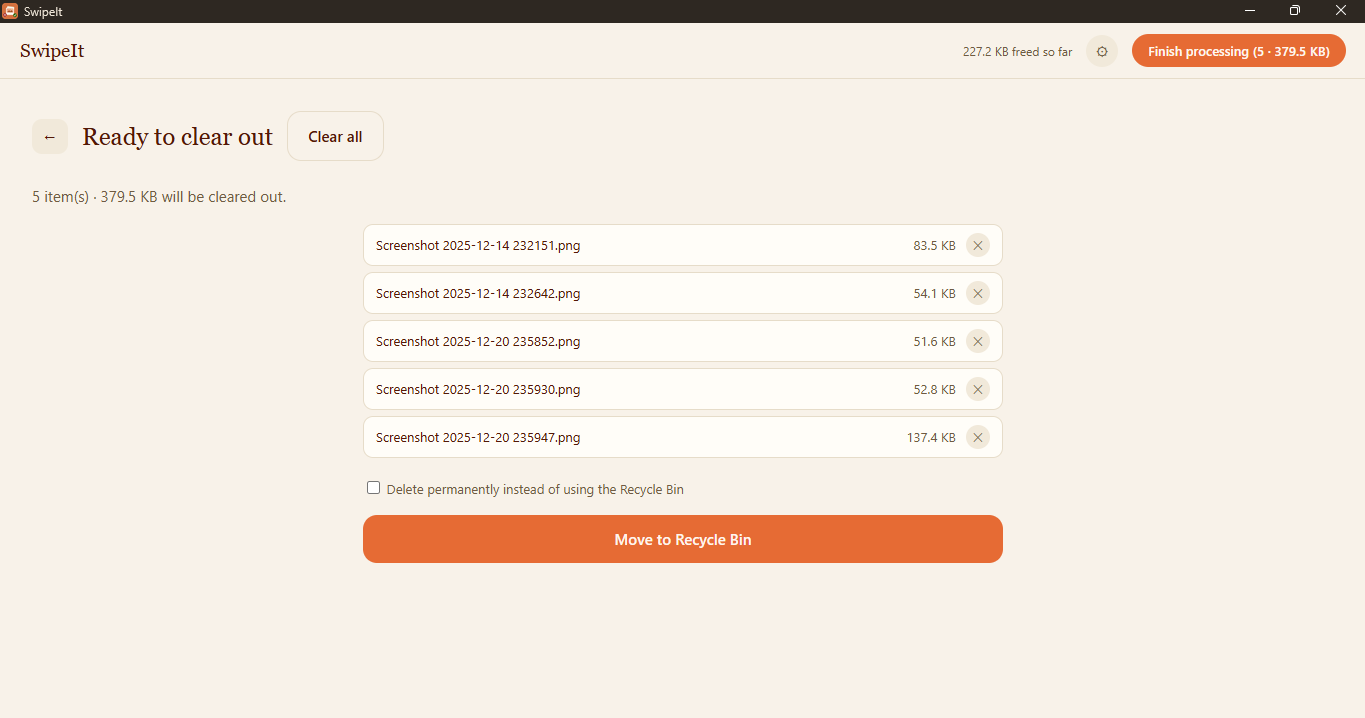
Review the pile, then clear it out. Nothing’s gone until you say so.
SwipeIt in action

Why SwipeIt

🗑️
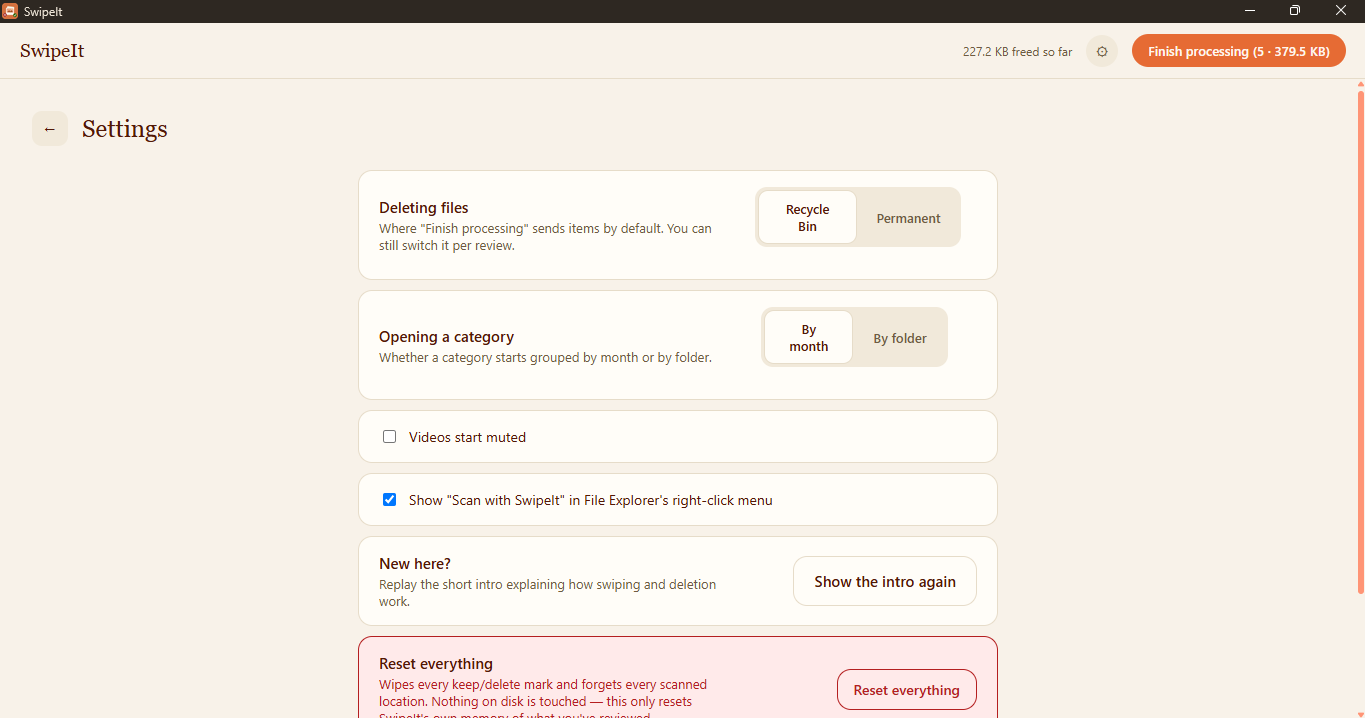
Recycle Bin safeDeletes go to the Recycle Bin by default, not straight to permanent.
🖼️
5 file typesImages, video, audio, documents, and a catch-all for everything else.
👀
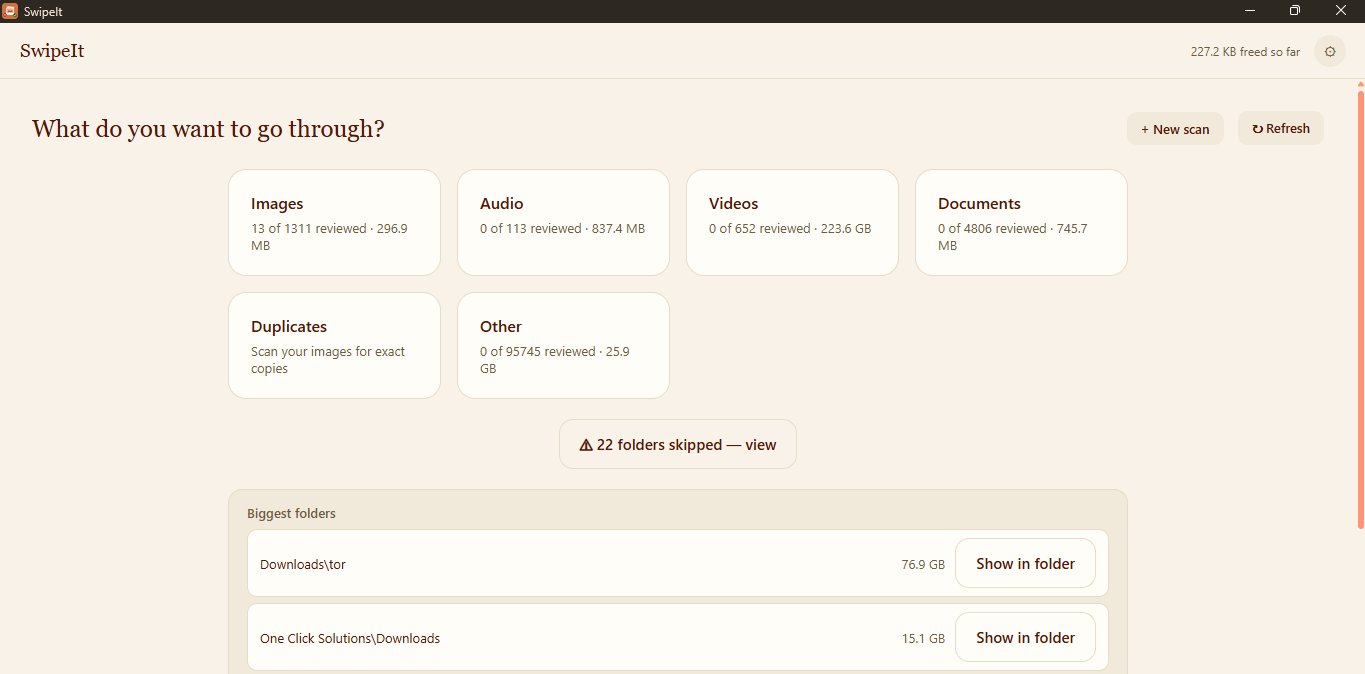
Real previewsSee the actual photo, video, or document — never a blank icon.
📁
Scan any folderOne-click common places, or point it at anything yourself.
🧬
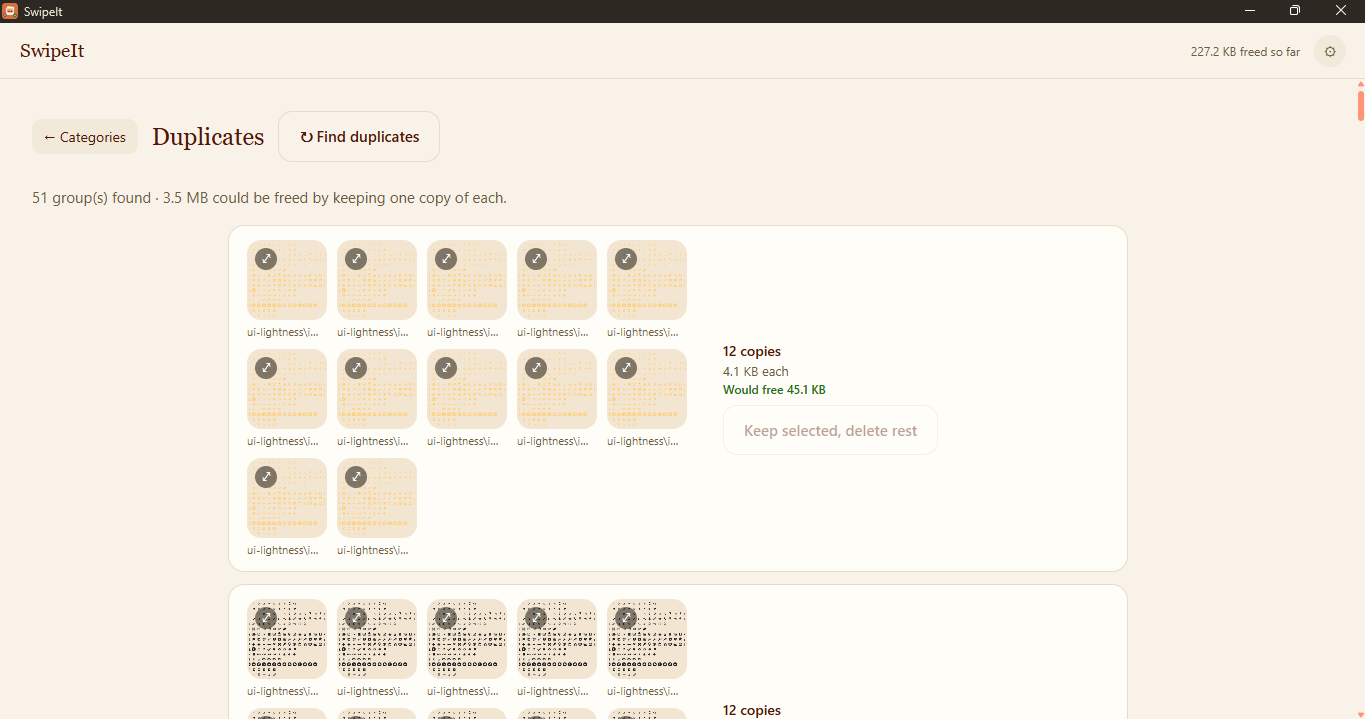
Find duplicatesByte-identical copies, grouped, so you know exactly what to keep.
📊
Biggest folders firstSee where your space is actually going before you dig in.
🖱️
Right-click to scan“Scan with SwipeIt” straight from File Explorer.
🔌
100% offlineNo account, no cloud, no telemetry. Runs entirely on your PC.

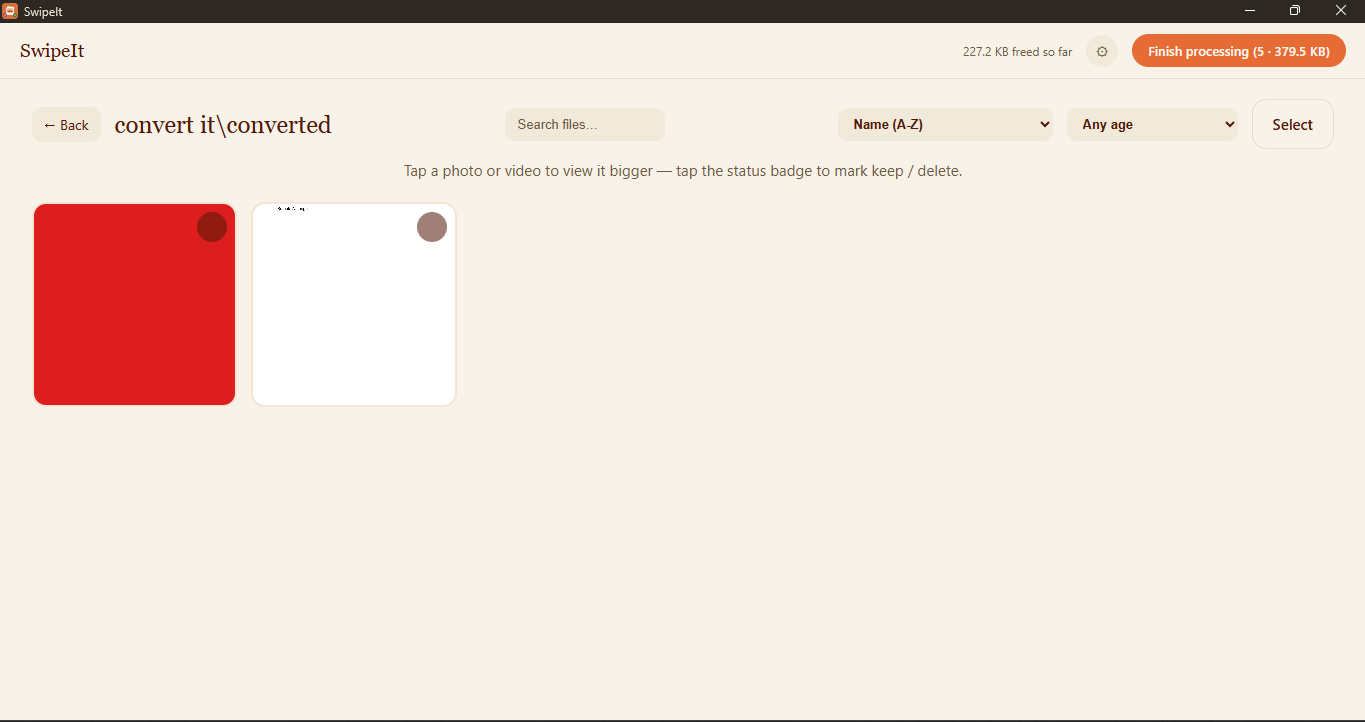
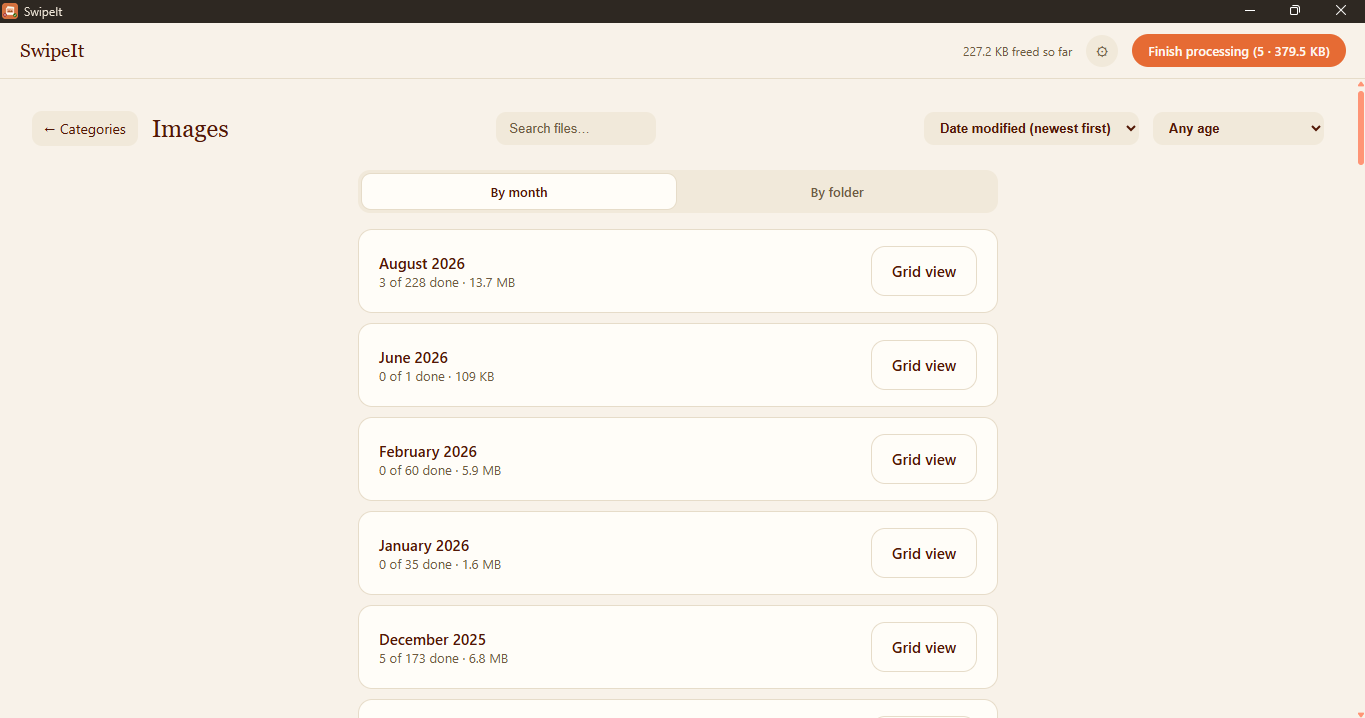
SwipeIt – Organized by Types showing Largest Folders
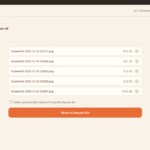
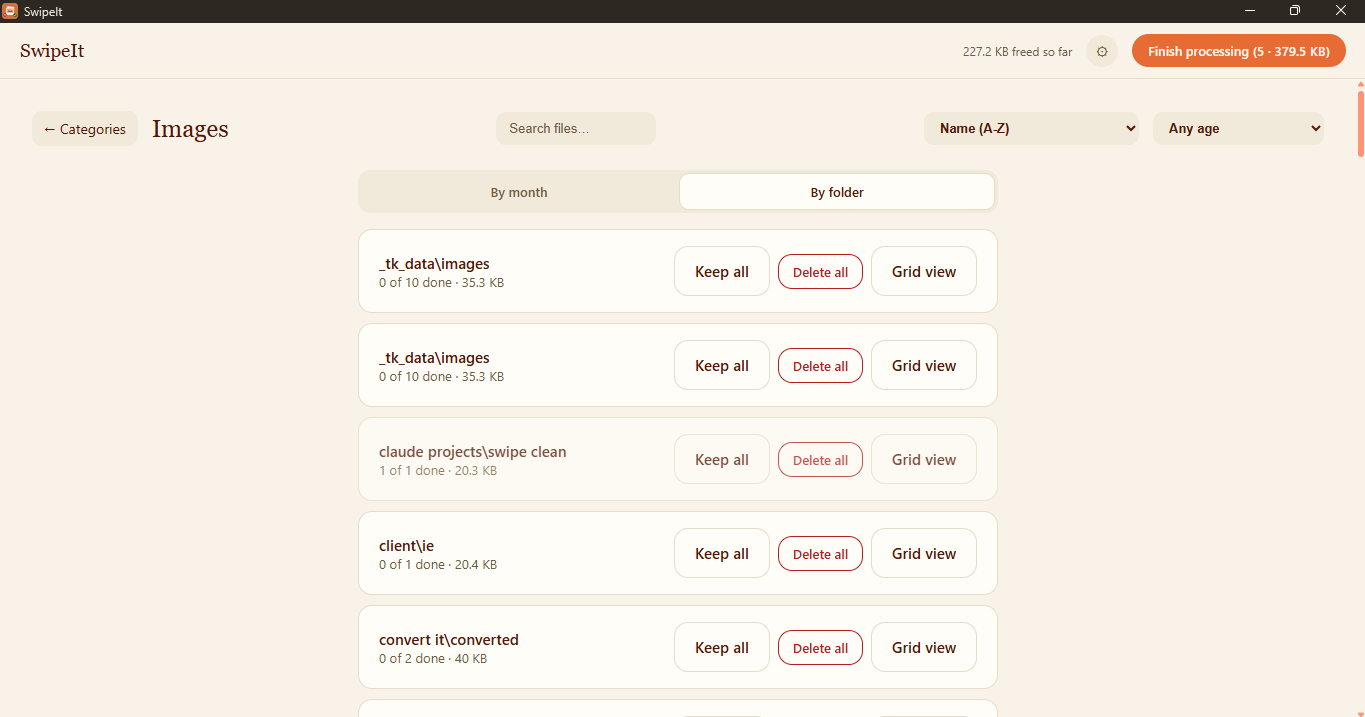
SwipeIt – Review Marked as Delete
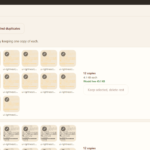
SwipeIt – Duplicates

What’s included

License 1 PC per purchase
Updates Free, forever
Subscription None
Requires Windows 10 or 11, 64-bit
Install size ~100 MB
Business / multi-seat Contact us

Windows may show a SmartScreen warning on first run — that’s normal for a small independent publisher, not a security issue. Click “More info,” then “Run anyway.”


Contact Us for a Demo! Or Message Us on WhatsApp!


Discover more from One Click Solutions

Subscribe to get the latest posts sent to your email.

Reviews

There are no reviews yet.

Be the first to review “SwipeIt”

Your email address will not be published. Required fields are marked *