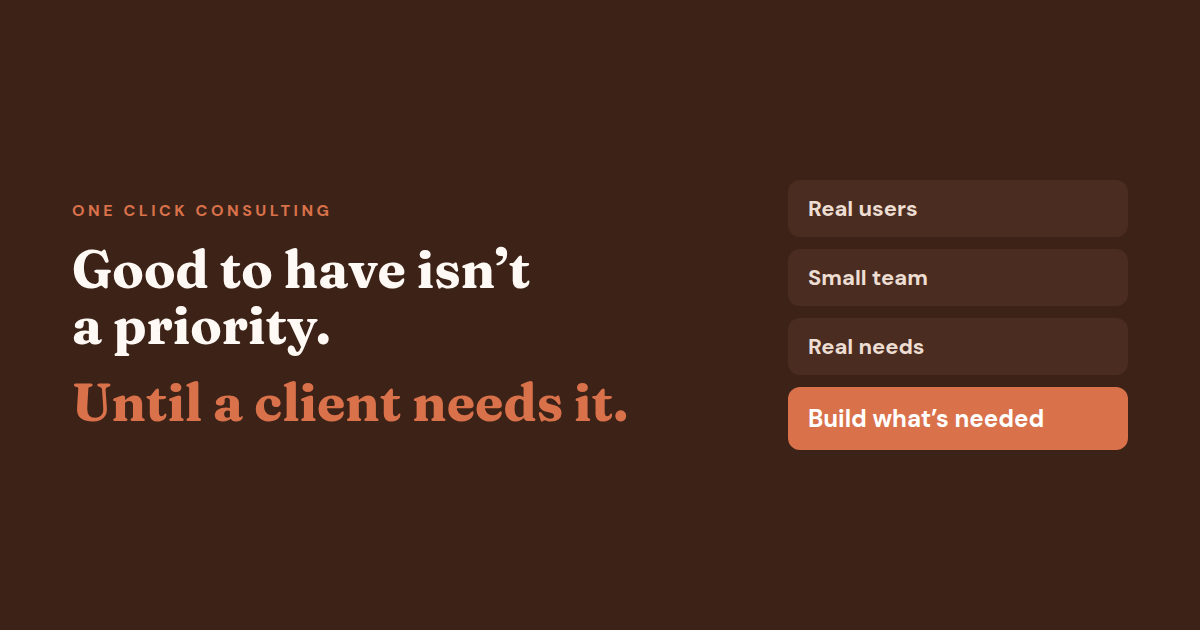
The best part about having clients was that it forced me to add features that were good to have, but never a priority until someone needed them.
A client called asking to print the closing balance for all clients. Nobody had ever used that feature, so it had never been there. Another client had always used individual client portfolio statements.
“How does a system not have that?”
You might have wondered exactly that. The honest answer is that every new client brings new requirements. A feature gets built when someone has a real use for it, and until that client called, nobody had.
Feature prioritisation with limited time
Good feature prioritisation comes down to one habit: when I had to choose, I picked the features that would be used or would serve a purpose. A pile of good-to-haves that nobody uses is a waste of resources, especially when you are building with a small team and other work running alongside.
Priority goes to real need.
That is how many of the small features in One Click POS, by One Click Solutions, were added over time. Only the idea is ever carried over from one client to another, never their data.
- Build what serves a purpose first.
- Let real client requests, not guesses, decide what comes next.
- Good-to-haves can wait until someone actually needs them.
What was the last feature a client asked for that you had never prioritised?
Deciding what to build next?
One Click Consulting helps founders and developers decide what to build now and what can wait, in plain language. The first 15 minutes are free.
Reviews & Mentorship session Student pricingDiscover more from One Click Solutions
Subscribe to get the latest posts sent to your email.